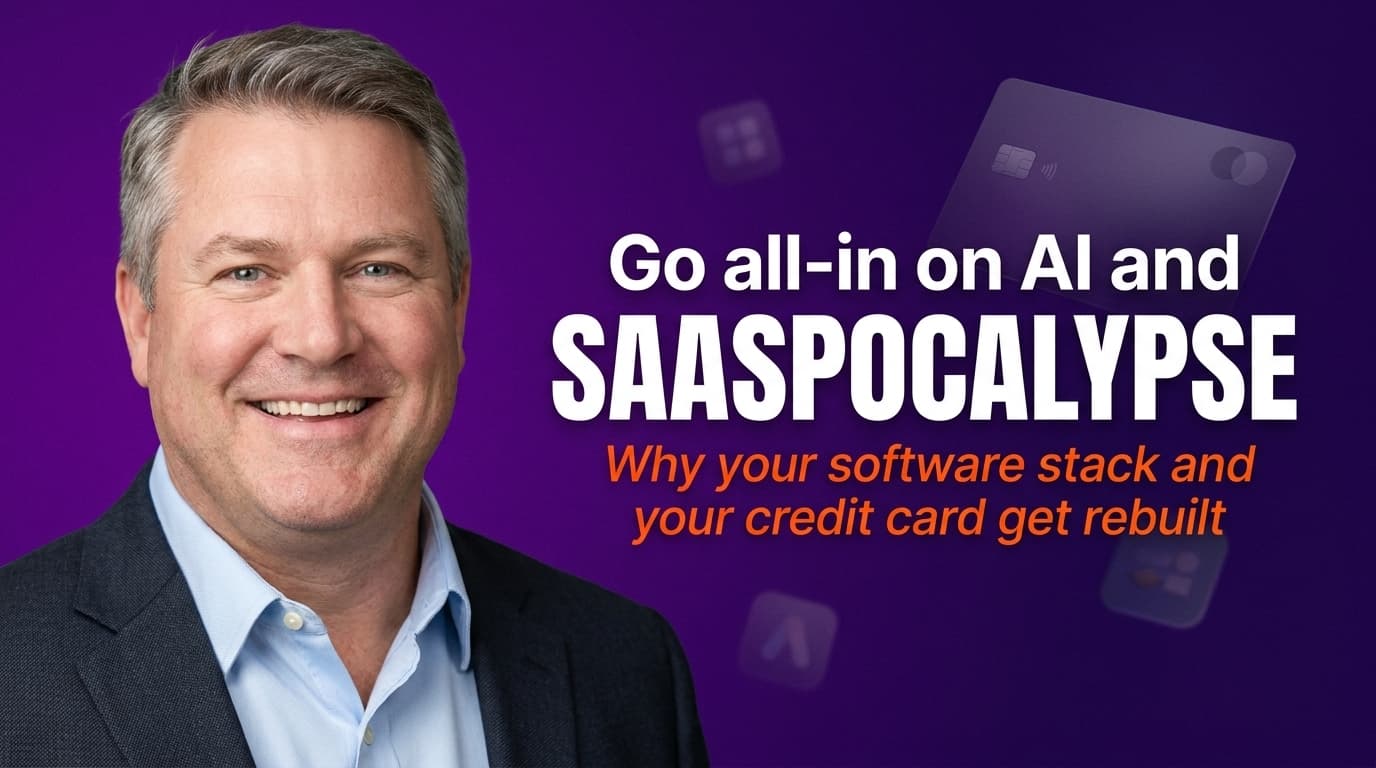
Go all-in on AI and your credit card changes: the SaaSpocalypse is real
TL;DR
The day you go all-in on AI, your software bill gets rebuilt from scratch. We were spending roughly £20k a month on tools, half of them paid for, used once, and never cancelled. AI forced us to cancel most of it and replace it with a wave of AI-native apps that are cheaper, sharper, and built for how we actually work now. They also carry two real risks: they break often, and the companies behind them can disappear. Here's how to ride the SaaSpocalypse without getting burned.
What happens to your software spend when you go AI native?
It changes completely. Before AI, our monthly software spend sat at around £20,000. We had everything. We also had a graveyard of annual subscriptions we'd bought, used once, and never cancelled, the digital equivalent of a gym membership you're too embarrassed to open.
Then AI arrived properly, and the whole stack stopped making sense. Tool after tool was doing a job that a newer, AI-native app now did faster and for less. So we did the uncomfortable thing and went through the lot, cancelling most of it.
It is harder to let go than you'd think. You build habits around these tools, and a part of you keeps paying just in case. But once it's done, it's freeing. Adobe out, DaVinci Resolve in. Canva out, Claude in. One by one the old names came off the card and new ones went on.
What is the SaaSpocalypse?
It's the shorthand for what's coming for traditional software. Large language models are quietly absorbing the jobs that single-purpose SaaS tools used to charge you a monthly fee for. Writing, design, editing, research, scheduling, data work: a lot of it now happens inside a chat window or an AI-native app that didn't exist eighteen months ago.
The incumbents are fighting back, bolting AI features onto products that were never built for it. Some will survive. But make no mistake, LLMs are coming for most software. If a tool does one narrow thing, an AI can probably now do that thing as a side effect of doing ten others.
Which tools are actually replacing the old stack?
These are the apps that embraced AI early, or were built from day one to be AI-native. Most exist to augment your AIOS, the operating layer your business actually runs on. Off the top of my head, here's a chunk of what's on the card now, with a couple I've already pruned:
- Thinking and research: Claude, OpenAI, Perplexity, DeepSeek, Grok, Kimi, Manus
- Voice, notes and meetings: Wispr Flow, Fireflies, Plaud, NotebookLM, Zoom
- Building and automation: Vercel, Supabase, Replit, Bolt (now cancelled), Emergent (now cancelled), GitHub, n8n, Make
- Design, video and media: Gamma, Pencil, HeyGen, ElevenLabs, Higgsfield, Ecamm Live
- Knowledge and ops: Notion, Obsidian, Skool, Slack, Tailscale, vidIQ
That list keeps going, and almost none of it was part of our world before AI. That's the point. The stack didn't get trimmed. It got replaced.
See where AI fits in your business. Free.
A 45-minute audit. We map the highest-value automations and what they're worth in time and money. No pitch, no pressure.
The two dangers nobody warns you about
This new wave is exciting, but it comes with two risks you need to plan around.
They're new, and they update constantly. A tool you relied on last week can ship an update that breaks your workflow this week. Features move, prices jump, and the interface you'd finally learned disappears. So don't build a mission-critical process on a brand-new tool with no fallback. Keep your data exportable, assume anything client-facing needs a plan B, and treat the newest tools as brilliant for speed but risky as a single point of failure.
They're startups, and they can go bust. Many are well funded, which feels reassuring, but funding isn't permanence. AI startups burn cash fast and the market is brutal. A tool you depend on can be acquired, pivoted, or shut down with ninety days' notice. Protect yourself: own your data and keep exports, avoid deep lock-in for core processes, and think twice before prepaying for a year of anything unproven.
This is exactly why your AIOS matters. The AIOS is the layer you own, your context, your processes, your data. The apps are augmentations that plug into it. Own the operating system, rent the apps. When a tool dies, you swap it out and the business keeps running.
How do you do this without losing your mind?
Two rules.
Rule one: say yes to (almost) everything for the first 30 days. When you're starting out, curiosity beats caution. Sign up, try it, see what sticks. The one hard exception: don't install random software off YouTube or GitHub because a creator told you to, not in the first 30 days, and honestly not much after either. I stay conservative there on purpose. A free tool that wants deep access to your machine or your accounts is not free.
Rule two: if you're not using it daily, cancel it. The yes-to-everything phase only works if it's followed by ruthless pruning. Set a reminder for 30 days out. If a tool hasn't earned a daily place in how you work, it comes off the card. No sentiment.
How do you keep track of it all?
One discipline makes the whole thing manageable: every subscription goes on a single card. I use one Amex for the lot, because it's the only way to see the real number and catch the quiet renewals before they catch you.
We've gone a step further and built a skill inside our AIOS that reads our email inboxes and pulls out every active subscription automatically, so nothing hides. You don't need that to start. You just need one card and the willingness to actually read the statement.
What to do this week
- Pull your real software number. Add up every subscription across every card. Most owners are shocked by the total. That number is your starting line.
- Cancel one tool today. Pick the most obvious zombie, the annual renewal you'd forgotten you had, and kill it. Momentum matters more than the saving.
- Move everything onto one card. You can't manage what you can't see. One card, one statement, one source of truth.
- Check your exports. For every tool you'd hate to lose, find the export button before you need it. If there isn't one, that's your answer.
Where to from here
Book a free 60-minute AI audit, and we'll map which of your tools AI can replace, what's worth keeping, and where to start, so your business runs on a stack you own rather than one you just rent.
Live with passion & AI,
Brett
Host a podcast? Have Brett on as a guest.
Straight talk on implementing AI in real SMEs, no jargon, plenty of receipts from the businesses we run.
Frequently asked questions
Will AI really replace most SaaS tools?
+
For a lot of single-purpose tools, yes. Large language models now do writing, design, editing, research, and data work as a side effect of doing everything else, so any tool that does one narrow job is exposed. The incumbents are bolting AI onto their products to fight back, and some will survive. But the direction of travel is clear: AI is coming for most software, and the people calling it the SaaSpocalypse are not exaggerating by much.
What software did you cancel, and what did you replace it with?
+
We went through the whole stack and cancelled most of it. Adobe came off the card and DaVinci Resolve went on. Canva came off and Claude went on. The pattern repeated across the business: an older, single-purpose tool replaced by a newer AI-native one that did the job faster and cheaper. Before AI we were spending roughly £20,000 a month on software. A lot of that was annual subscriptions we'd bought, used once, and never cancelled.
What are the risks of relying on new AI-native tools?
+
Two main ones. First, they're new and they update constantly, so a tool you relied on last week can ship a change that breaks your workflow this week. Second, most are startups, and even well-funded startups can be acquired, pivot, run out of money, or shut down. Protect yourself by owning your data, keeping exports, avoiding deep lock-in for core processes, and not prepaying annually for anything unproven and critical to our workflows.
How do you decide which AI tools to keep?
+
Two rules. For the first 30 days, say yes to almost everything and try it all, the only exception being random software promoted on YouTube or GitHub, which I avoid on principle. After that, apply one test: if you're not using it daily or substantially, cancel it. The yes-to-everything phase only works if it's followed by ruthless pruning. Add a reminder for when your credit card bill comes in, and tell your Finance Director to integrate it into the monthly review.
How do you keep track of all your AI subscriptions?
+
Put every subscription on a single card. I use one Amex for the lot, because it's the only way to see the real number and catch quiet renewals before they catch you. We've gone further and built a skill inside Anaboo AIOS that reads our email inboxes and pulls out every active subscription automatically once a month, so nothing hides.
If the tools keep changing, why does an AIOS matter?
+
Because the AIOS is the layer you own, your context, your processes, your data, while the apps are augmentations that plug into it. Own the operating system, rent the apps. When a tool breaks or a startup goes bust, you swap the app out and your business keeps running. That durable layer is what makes the whole rebuild safe to do.

Brett is a four-time founder (Darra Tyres, Gladfish, EzyTrac, Anaboo) and the operator behind AIOS, Anaboo's AI Operating System. He writes from inside the build, installing AI in his own businesses first and reporting back what actually moves the numbers. Based between Singapore, the UK and Australia.