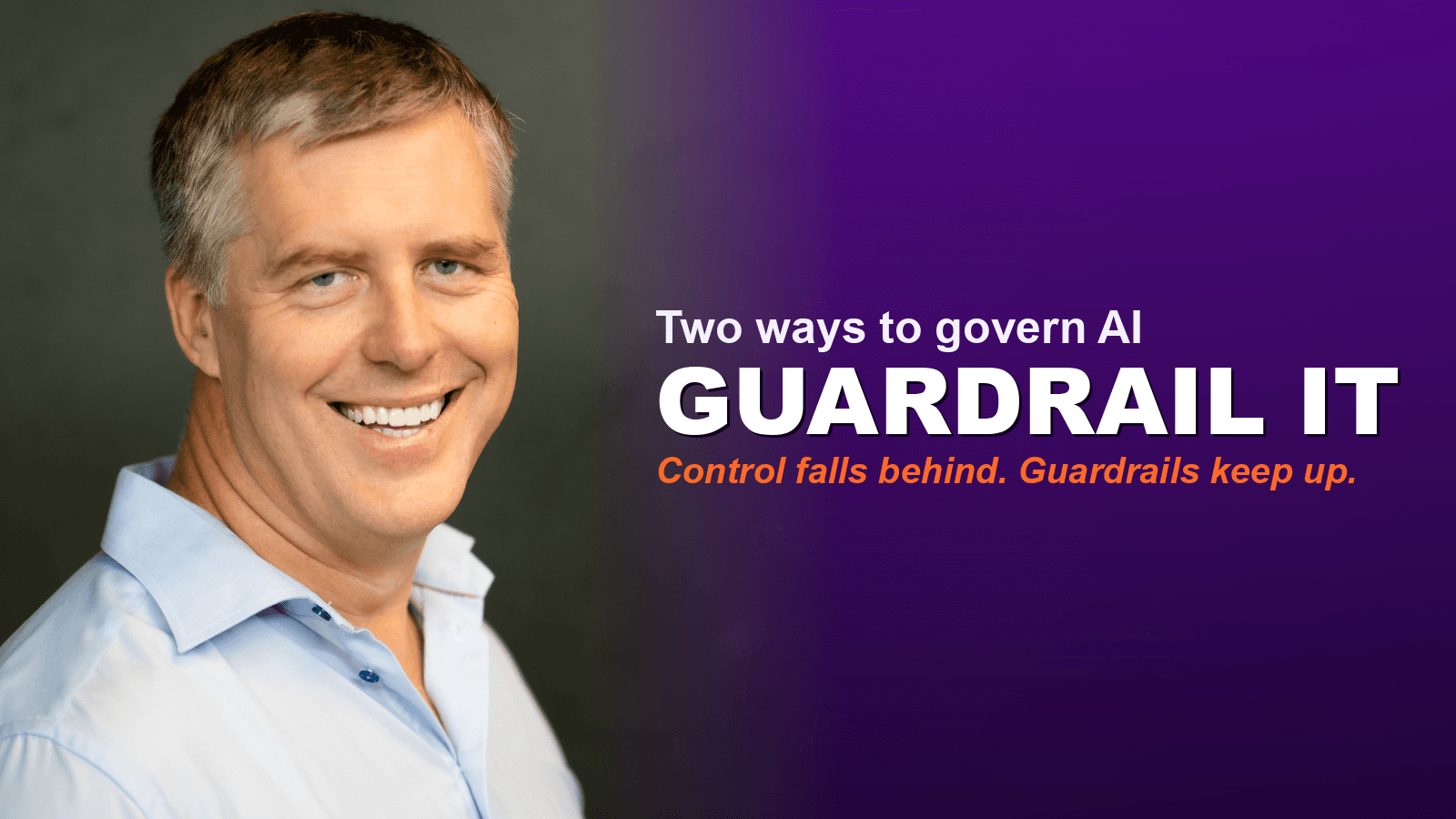
Control It or Guardrail It: How to Govern AI Without Falling Behind
TL;DR
When you bring AI into a business, the real question is how you govern it. You have two choices: control it or guardrail it. Control means locking tools down and waiting for permission, which feels safe and quietly leaves you behind. Guardrailing means setting clear boundaries, mainly around your data, then letting people move fast inside them. Both work and both carry risk. Below is the difference in plain English, plus a one-page policy you can edit and adopt this week.
You have two choices with AI: control it or guardrail it
The first thing most owners reach for when AI arrives is a list. Approved tools only. Everything new goes past someone at the top. A short menu of what is allowed and a closed door on the rest.
The other path looks looser. You set a few firm boundaries, you teach your team where the lines are, and you let them get on with it inside those lines.
That is the whole choice. Control it, or guardrail it. Neither is free, and both can go wrong. The trouble is that the safe-looking one is usually the one that hurts you.
Why does controlling AI quietly leave you behind?
Because control is almost impossible to hold, and it buys less safety than it promises.
AI moves by the week. New tools, new models, new features land faster than any approval process can keep up with. While you are still reviewing last quarter's shortlist, the field has moved on. The business waiting for sign-off is always a step behind the one that is already trying the new thing. Grip tighter and you fall further back.
And here is the part that catches people out. A locked tool list does not actually keep you safe. It does not stop a busy staff member pasting a client email into an app on their phone to tidy it up. It does not guarantee you dodge a data problem. It gives you the comfort of having decided, once, and very little of the protection you wanted.
Control trades real speed for a feeling of safety. That is a poor trade.
What does it mean to guardrail AI instead?
It means you put the control where the danger actually is: on the data, and on the decisions you cannot undo. The tools stay open.
Think of it like a fast road. You do not make it safe by lowering the speed limit to a crawl and posting a guard at every junction. You make it safe with clear lines and barriers at the edges, so people can move at pace without going over the side.
In practice that is three things. You educate your team so they can make good calls on their own. You give them a simple way to try something new: test it on low-risk work, see if it earns its place, keep it or drop it. And you back the people who use that process, so the business can pick up what is new without everything queuing at one person's desk.
The one line you hold firmly is the data. Customer and staff personal details, financial information, passwords, anything under a confidentiality agreement: none of that goes into a public AI tool. Everything else is room to move.
When does a controlled tool list still make sense?
Sometimes it is the right call, and it would be dishonest to pretend otherwise. If you work in a heavily regulated sector, handle large volumes of sensitive personal data, or sit somewhere a single wrong output carries real legal or safety weight, then "ask first" earns its place. Some seats genuinely need the tighter default.
Go in with your eyes open about the price, though. A locked list slows experimenting. People stop trying the tool that might have saved them a day, because asking is friction, and friction quietly kills curiosity. Fewer experiments mean fewer of the small wins that compound into real growth. You are buying caution, and you pay for it in creativity and pace.
For a regulated firm, that can be money well spent. For most growing businesses, it costs far more than it saves. The mistake is reaching for control by default, out of nervousness, when your circumstances do not actually call for it.
See where AI fits in your business. Free.
A 45-minute audit. We map the highest-value automations and what they're worth in time and money. No pitch, no pressure.
Isn't guardrailing the riskier road?
Yes. You are trusting judgement instead of a locked door, and judgement can be wrong.
But it is the only road that lets you embrace what AI offers at the speed it is actually arriving. The businesses pulling ahead right now are not the ones with the tightest tool list. They are the ones whose people can try, learn, and adopt without asking permission for every step, inside boundaries everyone understands.
So be honest about the trade. Control trades speed for a feeling of safety and leaves you behind. Guardrails trade certainty for the ability to keep up and ask more of your people. Both work. Both have dangers. Pick the one that fits how your business really runs, then build for it on purpose rather than drifting into it.
For most small and growing businesses, guardrailing wins. You cannot out-control a technology that changes this fast. You can teach your people to use it well.
What does a guardrail AI policy actually say?
One page. Six short sections. Plain enough that a new starter could read it once over a cup of tea and follow it.
- Our approach. Guardrail, not lockdown. Try tools freely for low-risk work. The control is on the data, not the tool.
- The red line. What never goes into a public AI tool: personal data, financial details, passwords, anything confidential. Spell out real examples so nobody has to interpret.
- Trying something new. Anyone can trial a reputable tool for low-risk work. Before a tool touches sensitive data, one named owner clears it first.
- The human check. Anything going to a customer, supplier, or the public is drafted by AI and signed off by a person before it leaves.
- Who owns this. One name. They answer the "can I use this for that?" questions and review the page every quarter.
- If something goes wrong. Who to tell, and how fast. An honest mistake reported early is fine.
I have written it up as a ready-to-edit document you can adopt. There are two versions, so you can choose either: the one-page policy, and a fuller governance policy for teams that need more detail. Open one, replace the bracketed bits with your own details, name an owner, and send it round. You will have covered most of your real exposure before lunch.
For the reasoning behind each rule, and a plainer walk-through of the core sections, see our companion piece, the one-page policy that covers 90% of the risk.
This page handles the everyday 90%. If you carry large volumes of personal data, work in a regulated sector like finance or healthcare, or want to build AI into a product you sell, take it to your data protection adviser before you lean on it. Do not let the missing 10% stop you doing the 90%. A simple page you adopt this week beats a perfect one you never finish.
Where to start
Decide which posture fits you, control or guardrail, and be honest about the trade you are making. For most growing businesses, the answer is guardrail: teach your people, hold the line on data, and let them move.
Then block out an hour, take the one-pager above, and make it yours. If you would like a second pair of eyes on how your team is already using these tools and where the quiet risks sit, that is exactly what we look at in a free AI audit. No jargon, no pressure.
Live with passion & AI,
Brett
Host a podcast? Have Brett on as a guest.
Straight talk on implementing AI in real SMEs, no jargon, plenty of receipts from the businesses we run.
Frequently asked questions
What does it mean to guardrail AI instead of control it?
+
Controlling AI means a locked list of approved tools and central sign-off for anything new. Guardrailing means setting clear boundaries, mainly around data and irreversible decisions, then letting your team try tools freely inside those lines. The control sits on the data, not the tool.
Isn't controlling AI the safer option?
+
It feels safer, but it buys less than you think. A locked tool list does not stop someone pasting client data into an app on their phone, and it dates fast as new tools arrive every week. It mostly gives you the feeling of having decided once, a long time ago.
When is a controlled, approved-tool list the right approach?
+
In heavily regulated sectors, or where you handle large volumes of sensitive data and a single wrong output carries legal or safety weight. The trade-off is real: tighter control slows experimentation and can cost you the creativity and small wins that drive growth, so reserve it for the seats that genuinely need it rather than reaching for it by default.
What is the one rule that matters most in an AI policy?
+
What data never goes into a public AI tool. Customer and staff personal details, financial information, passwords, and anything under a confidentiality agreement. Data leaking out is the hardest mistake to undo and the easiest to make.
Can a small business really let staff try any AI tool?
+
Yes, for low-risk work with no personal or confidential data. The moment a tool needs to touch sensitive data, one named owner clears it first. That keeps experimentation fast and the real risk contained.
How long should an AI policy be?
+
One page. If it runs longer than a single side of A4, nobody on your team reads it or remembers it. A short policy people follow beats a long one they ignore.

Brett is a four-time founder (Darra Tyres, Gladfish, EzyTrac, Anaboo) and the operator behind AIOS, Anaboo's AI Operating System. He writes from inside the build, installing AI in his own businesses first and reporting back what actually moves the numbers. Based between Singapore, the UK and Australia.